Online Train Speedometer: Your Direct Rail Telemetry Connection
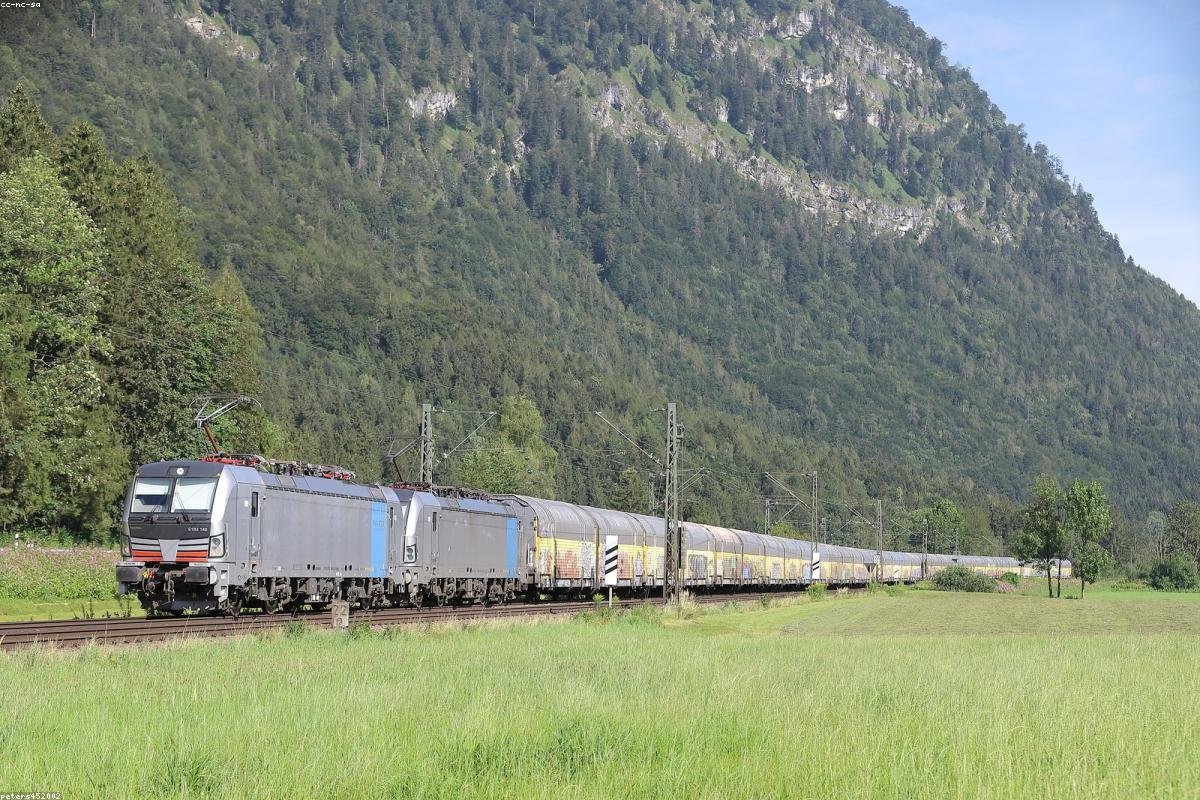
Have you ever been soaring through the landscape on a modern bullet train, feeling the effortless power as suburban houses turn into a blurry streak, only to wonder if the 300 km/h display on the bulkhead is actually telling the truth? Whether you are a rail enthusiast documenting a high-speed maiden voyage or a daily commuter trying to plan a tight connection, having access to real-time velocity data is a fundamental part of the modern rail experience. The problem many face is the "information wall"—onboard train displays are often limited to lead cars, suffer from lag, or are simply not present in older regional coaches. This lack of data can lead to uncertainty about whether your train is losing time and a general lack of situational awareness. You are essentially traveling with a massive data gap.
The solution is a high-precision **Online Train Speedometer** that brings pro-level satellite ground speed data directly to your mobile browser. By leveraging the advanced **gps speed meter** protocols already inside your smartphone, you can access the objective reality of your motion without needing to install proprietary rail operator apps or rely on analog signage. In this guide, we will explore the science of rail-based GPS tracking, the specific benefits of using an **online speedometer for train** journeys, and the best techniques for maintaining a lock inside modern metal carriages. Whether you are on the TGV in France or a regional express in India, discovering the reality of your motion has never been more straightforward or accessible.
Table of Contents
What Is Online Train Speedometer?
An **Online Train Speedometer** is a specialized web-based interface designed to calculate and display the instantaneous velocity of a rail vehicle using global satellite constellations. Unlike the train's internal speedometer, which calculates speed by measuring how many times the large steel wheels rotate against the rails, a digital **gps speed meter** tracks your movement through absolute geographic space. By checking your position against 24+ orbiting satellites every second, our online tool provides a high-resolution readout in miles per hour (mph) or kilometers per hour (km/h) that is completely independent of the train's mechanical sensors.
This technology is for any traveler who values transparent, real-world data. It matters because wheels can "slip" on wet or steep tracks, causing the train's internal gauges to show a speed higher than reality. A satellite **online train speedometer** bypasses these physical errors, giving you "Ground Speed"—the same data used by flight pilots for ultimate precision. Furthermore, a high-quality **speed meter lite app** in your browser provides a high-contrast display optimized for the high vibrations of rail travel, ensuring you can read your metrics even on bumpy regional lines. It is the wide-range expert of the **gps speed meter** family, focused on the steady, high-velocity world of international rail.
In the broader scope of tracking tools, this is the rail-refined sibling of the **bike speed meter** and the **ball speed meter**. While a **ball speed meter** tracks sudden bursts of force, an online train meter tracks sustained, high-energy movement. Whether you are using a **high speed meter** for an airport express or verifying your commute with a **gps speed meter online**, understanding your rail journey's digital velocity is the first step toward becoming a more informed global citizen. Real precision travels on the airwaves, not just the tracks.
Rail Telemetry vs. GPS Precision
Rail enthusiasts often debate which is better: the train's built-in display or a personal **gps speed meter**. Here is why digital satellite tracking often wins:
- Zero Wheel Slip: On icy or rainy tracks, train wheels can spin without traction. GPS ignores the wheels and only measures your movement relative to the planet's surface.
- Continuous Display: Onboard screens often cycle through ads or "Next Station" info. Your personal **online train speedometer** stays locked on speed for the entire trip.
- Mobile Accessibility: You can see your speed from the window seat, the dining car, or even the restroom, without needing to stand under a ceiling-mounted LED.
- Cross-Network Usage: A single tool like SpeedSmeter.online works on every train in the world, from the London Underground to the Chinese Maglev, without needing different apps.
Benefits of Browser-Based Rail Tracking
Utilizing a **Train Speedometer Online** offers several distinct advantages for the modern rail traveler. Here are the primary benefits of going digital with your transit data:
- Instant Connection: No need to download a heavy **train speed meter apk** that uses up your phone's storage. Just visit a URL and start tracking.
- Arrival Mastery: Use your current velocity to estimate if the train is "making up time" or if you are definitely going to be late for your next meeting.
- Historical Peak Logging: Most **speed meter lite** tools automatically save your "Max Speed," allowing you to document exactly when you hit that 320 km/h mark.
- Superior Night Clarity: The glowing digital numbers of a **gps speed meter** are much easier to see in a darkened sleeping cabin than searching for analog signage.
- No Proprietary Lock-in: Use the same interface on a government-run regional line or a private high-speed luxury coach.
- Safe and Verified Software: Avoid the risks of an internet speed meter apk or mod apk from unverified sources. Use official web platforms for reliable satellite tracking.
How to Track Train Speed Online
To get the most out of your **Online Train Speedometer**, you must overcome the "Faraday Cage" effect of the metal train body. Follow this guide for the best results:
- Choose a Window Seat: GPS signals are very weak and cannot travel through the metal roof or walls of a train. For a reliable **gps speed meter** lock, your phone MUST be near the window.
- Open SpeedSmeter.online: Navigate to the browser-based tracking portal. Select the **speed meter lite** interface for high-contrast visibility.
- Grant Satellite Permissions: When prompted, click "Allow." This is required to access the high-precision GPS chips inside your smartphone.
- Enable High Accuracy: ensure your mobile location settings are set to "High Accuracy" to use GPS, GLONASS, and Galileo satellites for maximum stability.
- Wait for Calibration: Inside a moving train, it may take 20-30 seconds to lock the satellites. Be patient until the **online train speedometer** starts updating smoothly.
- Position Your Device: Lean your phone against the window ledge or use a small suction mount. This ensures the widest possible sky view during the entire journey.
Common Mistakes to Avoid
Even with advanced satellite tracking, the unique environment of rail travel can introduce specific challenges. Avoid these common pitfalls for a better **online train speedometer** experience:
- Sitting in an Aisle Seat: As mentioned, metal blocks GPS. An aisle seat often leads to a constant "Searching for Signal" message on your **gps speed meter**.
- Confusing Internet with Velocity: Don't download an **internet speed meter lite** app thinking it track physical speed. One measures Mbps, the other measures road/rail Km/h.
- Tunnel Blindness: GPS will lose signal in tunnels and underground stations. Your **online train speedometer** will pause and automatically resume once you exit.
- Using Non-Verified "Pro" Apps: Stay away from **internet speed meter pro apk** versions from pirate sites. Official web portals or app stores are much safer.
- Screen Auto-Lock: If your screen turns off, most browsers stop background tracking. Ensure your screen timeout is set to at least 5 minutes.
Best Tips & Strategies
To master the rails with digital precision, implement these expert-level strategies designed for high-resolution train travel monitoring:
The "Glass-Touch" Technique
For the strongest possible signal, touch the top edge of your phone directly against the window glass. This reduces "multipath" interference and gives the **gps speed meter** the cleanest possible data stream.
Use a PWA for Direct Launch
Add SpeedSmeter.online to your home screen as a Progressive Web App (PWA). This allowed you to launch your **speed meter lite** instantly with a single tap, just like a pro rail computer.
The "Arrival Calculation" Baseline
Note your "Average Speed" over a 10-minute period. If you are 50 km away and your average is 150 km/h, you can tell your family you will be there in exactly 20 minutes with high confidence.
FAQ Section
Is an online train speedometer accurate enough?
Yes. A high-quality gps speed meter is accurate within 0.1 mph on open tracks. It is often MORE accurate than the train's internal displays on older regional networks.
Does it work on the London Underground / Subways?
No. GPS signals cannot penetrate deep underground tunnels. The online train speedometer works best on overground rail systems and elevated urban lines.
Can I use an internet speed meter for my train journey?
No. An internet speed meter lite apk measures your digital connection quality. To track physical movement, you must use a specialized gps speed meter online tool.
Will it drain my battery?
GPS tracking is more power-intensive than standard browsing. For long-haul rail trips, always carry a power bank or use the train's seat-side power outlets.
Conclusion
An **Online Train Speedometer** is a fundamental tool for any modern traveler who values both technical precision and absolute transparency during their journey. By leveraging high-performance **gps speed meter** technology, you can move beyond the "blind" commute and start traveling with objective, real-time data that works through your existing web browser. Whether you are using a **train speed meter** to monitor your rail journey or a **speed meter lite** to verify your daily transit safety, the ability to see the world's velocity for free is a significant benefit. It turns a standard trip into an informed, optimized, and ultimately more professional journey.
As you move forward, prioritize signal clarity and situational safety. Use the strategies outlined—such as the glass-touch technique and PWA shortcuts—to ensure your **speed meter lite** is giving you the best possible data. Avoid the distractions of unverified software like an **internet speed meter apk** and focus on true, satellite-driven motion sensors. Your journey deserves the truth, and now the truth is always at your fingertips. Start your live rail test today and see the journey from a more precise perspective. Your next rail adventure starts here.
Keywords
Main Keyword: Online Train Speedometer
- train speed meter
- bike speed meter
- bowling speed meter
- internet speed meter lite
- bowling speed meter price
- gps speed meter
- internet speed meter mod apk
- wind speed meter
- cycle speed meter
- cricket bowling speed meter app
- internet speed meter apk
- internet speed meter lite app
- speed meter lite app
- bowling speed meter app
- ball speed meter
- train speed meter online
- bowling speed meter online
- internet speed meter pro apk
- speed meter lite
- air speed meter